What is My Services and how do I save changes to it?
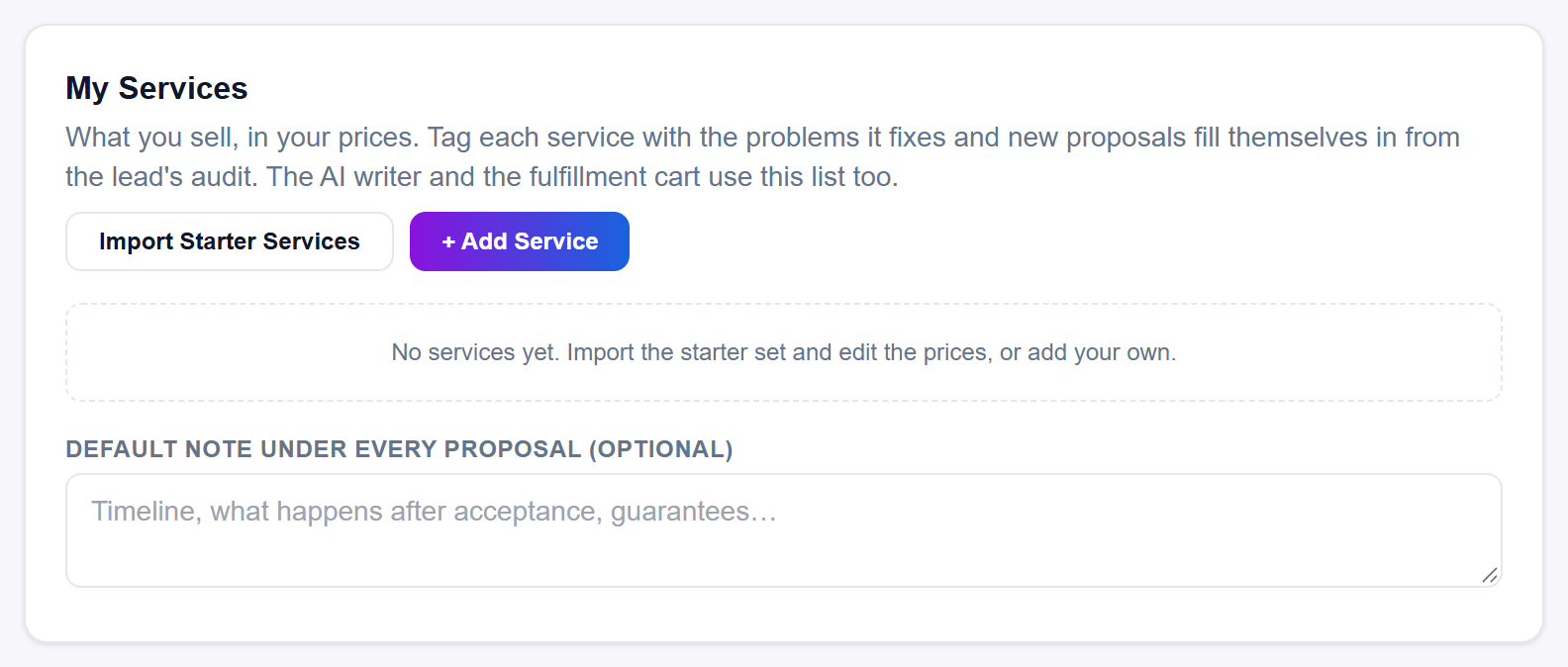
My Services in Settings is your own catalog of what you sell, at your prices. Tag each service with the problems it fixes and new proposals fill themselves in from the lead's audit, and the AI writer and the fulfillment cart use the same list. Nothing you change in the card is kept until you click Save Settings at the bottom of the page and see Saved ✓.
What is on each service
- A service name, a price next to your currency symbol, a choice of One time or Per month, and ✕ to remove the row.
- An optional one-line description the AI can use to describe the service.
- On every proposal: tick it for anything that belongs on every proposal, such as an onboarding fee.
- Active: untick it to keep a service on the list without using it. Inactive rows turn faded, and proposals and the AI skip them.
- Fixes 0 problems (the number counts your tags): click it to tag the problems the service fixes. See how to tag problems.
Under the list sits Default note under every proposal (optional). At the top of the card are Import Starter Services (only while the list is empty) and + Add Service.
How the list is used
- Proposals: a brand-new proposal starts with your On every proposal services, then the services tagged with the problems the lead's audit found, at your prices. If none of your active services apply, or you have none, it falls back to our suggested services and prices in your currency.
- AI writing: the AI describes your offer from the first 12 of your active services, with their prices and descriptions, then adds anything you wrote in Anything else about your offer (optional) under Your Agency. Keep the services you most want pitched near the top of the list.
- Fulfillment: on a won deal the fulfillment cart follows your proposal, and lines that came from My Services carry your own cost figures.
Saving your changes
Every edit in My Services stays on the page only until you save: imported starter services, new rows, prices, tags, checkboxes and the default note. Click Save Settings at the very bottom of Settings and wait for Saved ✓ beside it (it shows for 2 seconds). If you leave or reload the page first, the edits are gone.
When you save, these limits apply:
- Up to 40 services.
- Every service needs a name. A row with no name is dropped when you save, even if it has a price.
- Names are kept to 80 characters and descriptions to 400.
- Prices run from 0 to 1,000,000.
- Up to 10 problem tags per service.
- The default note is kept to 600 characters.
Prices and your currency
Prices show the symbol of the Currency you chose in Your Agency. Changing the currency changes the symbol straight away but does not convert the prices you typed, so update them yourself. Starter services are converted from our US dollar suggestions into your currency at the moment you import them.
Still stuck?
A real person on the Legiit team will help. No bots, no runaround.
Contact Supporthelp@legiit.com